New: Important dates in your content calendar
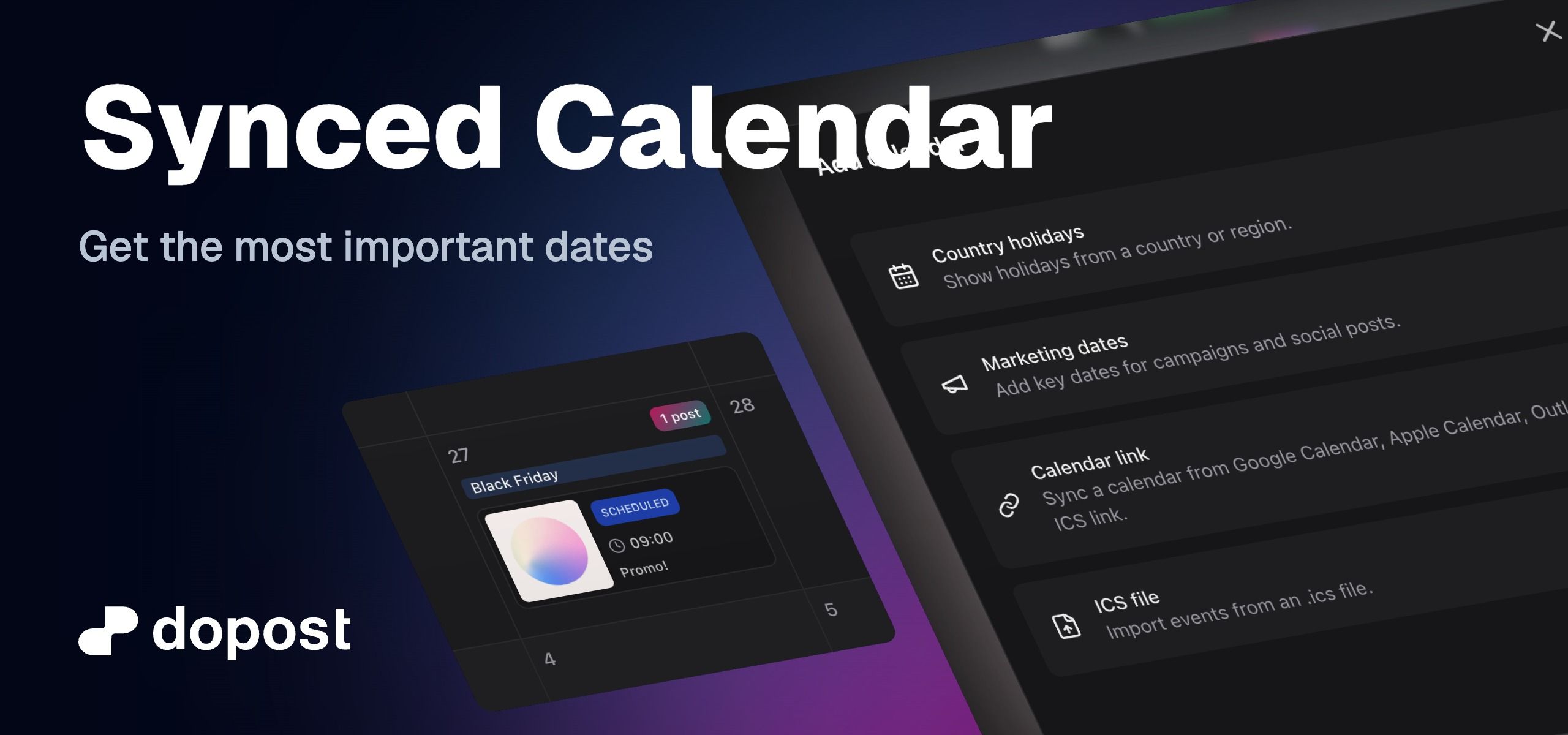
Your content calendar can now show important dates alongside your scheduled posts, making it easier to plan timely and relevant content without switching between tools.
You can now:
Add national or regional holidays from supported countries.
Add curated marketing dates for campaigns and social media planning.
Sync an external calendar using a Google Calendar, Apple Calendar, Outlook, or other compatible ICS link.
Import events directly from an
.icsfile.Choose whether a calendar is visible only to you or to everyone in your workspace.
Assign colors to calendar sources so dates are easier to identify.
Show or hide individual calendars without deleting them.
Edit calendar details and manually refresh linked calendars when needed.
Important dates appear as compact, color-coded labels inside each day. Synced calendar will refresh every 30 minutes.
These dates are read-only planning references and do not affect your scheduled posts.